

Why buy from CCK
Storage specialists
Helpful guidance across portable, desktop, NAS and backup storage.
Expert pre-sales advice
Get help with compatibility, performance and choosing the right setup.
Fast UK delivery
Quick dispatch on in-stock items with clear delivery messaging.
Trusted UK supplier
Supporting creative teams, professionals and business customers across the UK.
LaCie
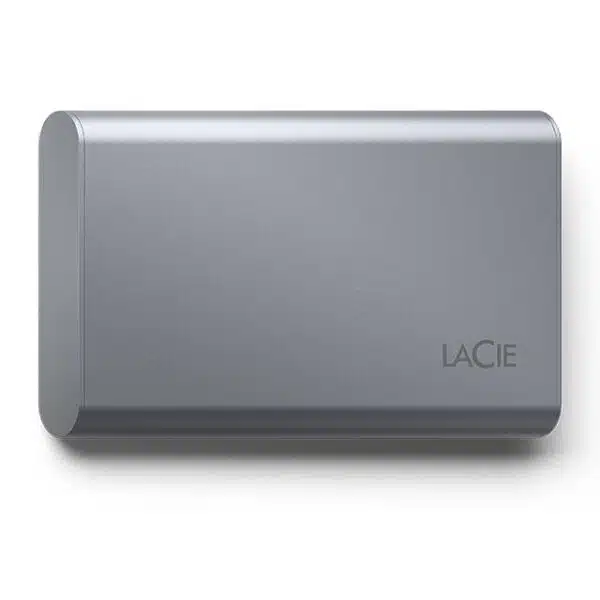
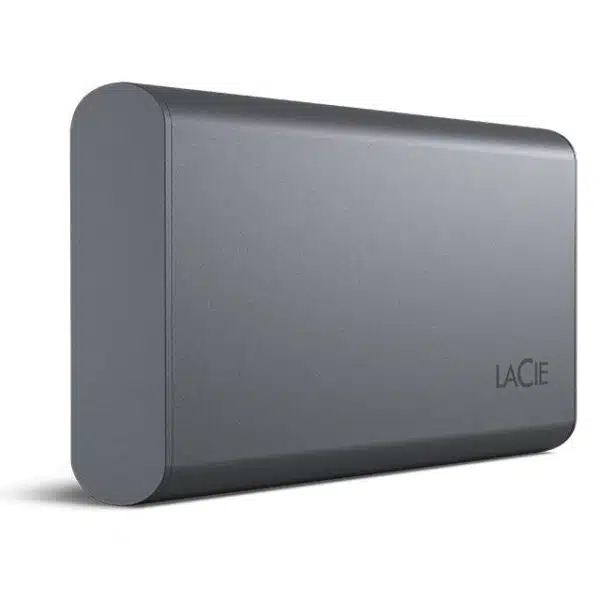
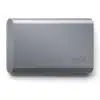
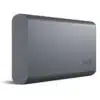
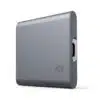
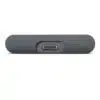
LaCie Mobile SSD Secure
£525.00 (£630.00 inc. VAT)
Accelerate productivity and score some downtime with Mobile SSD Secure featuring password activated hardware encryption.






Ask the Web Team
Need help choosing the right capacity or storage solution? Our web team can help with product advice, compatibility, and workflow guidance.


Friendly advice from our UK team
Overview
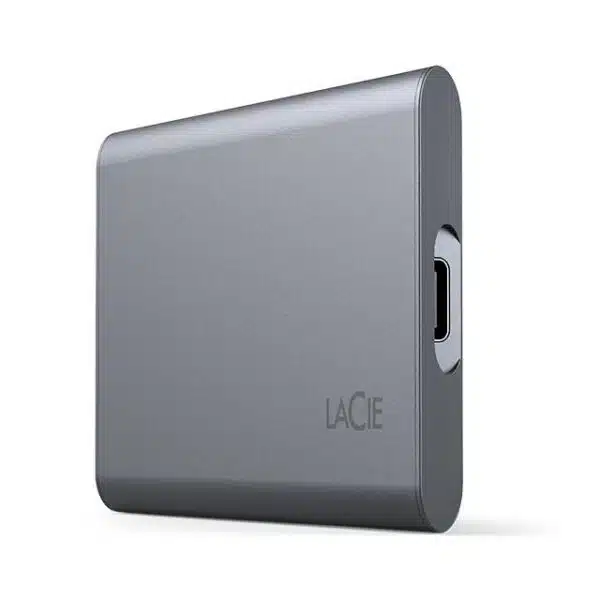
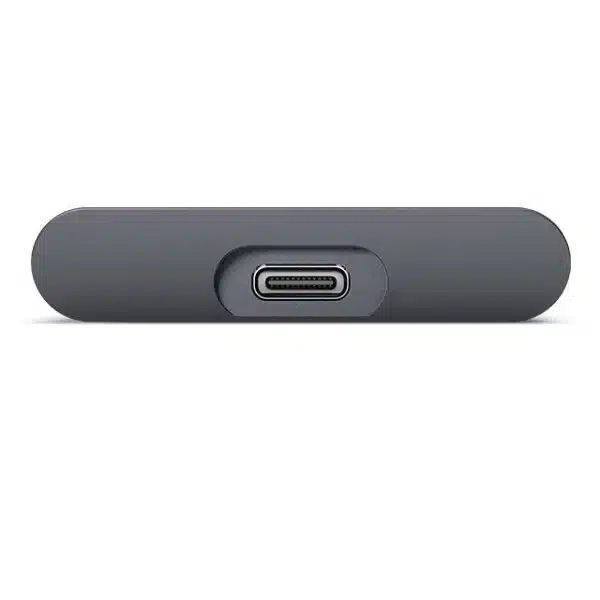
Like a digital shot of espresso, LaCie Mobile SSD Secure serves up high-speed performance — that’s compatible with your computer and mobile devices — to keep your workflow on task and on point. All day, every day, everywhere. Need for Speed: This external solid state drive fuses up to 1,050 MB/s¹ of go-go-go read speeds and 1,000 MB/s¹ write speeds with Mac®, Windows®, iPad® and iPhone®. Get the Hook Up: With USB-C, LaCie Mobile SSD Secure easily connects to your computer, iPad and iPhone. Stand Out When You Back Up: Our contemporary, sleek design and modern space grey colour make this SSD the perfect drive to keep by your side.
Encrypted Drives for Extra Protection
LaCie Mobile SSD Secure comes with government-grade AES-256 self-encryption featuring password activated hardware encryption, thanks to LaCie Secure™ Technology — ensuring your ideas and hard work stay safe from unauthorised access and intellectual property theft.
Sure-Fire, Speedy Solution That Keeps Pace
Read speeds of up to 1,050 MB/s and write speeds up to 1,000 MB/s let you edit from the drive with zero lag and transfer an hour of video or thousands of high-res images in less than a minute.
Must-Have Capacity
In this new era of external SSDs, you’re no longer forced to sacrifice precious space. Power forward with up to 2 TB of capacity so you can have (and save) it all.
Portable and Stylish
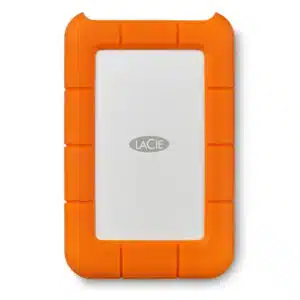
For over 30 years, we’ve believed and proven that backup can be more than a tool — it can be an exquisite solution. We’re celebrating this expertise and commitment with a minimalist, contemporary design.
Elevate Your iPhone 15 Experience
LaCie Mobile SSD Secure is not just a storage expansion solution — it’s a gateway to cinematic excellence for iPhone 15 Pro/Pro Max users. It facilitates rapid file transfers and harnesses the full potential of Apple ProRes HD video recording. With its swift performance and up to 2 TB of space, you can record ProRes 4K videos at 60 fps directly to the SSD, ensuring you capture every frame of your visionary content without compromise.
Edit with Adobe Creative Cloud
Turn RAW footage into flawless production with one-month complimentary membership to Adobe® Creative Cloud All Apps plan.⁵ Explore the entire collection of desktop and mobile apps — ranging from essentials like Adobe Photoshop CC and Premiere Pro CC to innovative new tools for photography, 3D compositing and more.
Key Features
- Complete file transfers fast or work smoothly directly from the drive with read speeds up to 1,050 MB/s and write speeds up to 1,000 MB/s.
- Effortlessly transfer photos and videos with iPad and iPhone USB-C compatibility, freeing up space on your device.
- Quick connections are a snap with USB-C for out-of-the-box compatibility. Lightweight and travel-sized to take your files wherever you go. Robust design offers durable, shock-resistant storage.
- LaCie Secure™ technology with AES-256 self-encryption provides extra protection.
- File mirroring software allows for seamless file access and syncing across multiple devices Backups are a breeze with easy-to-use LaCie Toolkit software for on-demand and scheduled options
What’s In The Box
- LaCie® Mobile SSD Secure
- USB-C cable
- Quick Install Guide
- One month Adobe® Creative Cloud® All Apps plan
- Rescue Data Recovery Services
Frequently Asked Questions
What is LaCie Mobile SSD Secure used for?
LaCie Mobile SSD Secure is a portable solid-state drive designed for fast storage with built-in data protection. It features password-activated AES-256 hardware encryption, making it suitable for professionals handling sensitive or client files.
It connects via USB-C and works with LaCie Toolkit software to manage encryption settings, scheduled backups, and file syncing across devices. It is also compatible with USB-C iPads and iPhones.
How do I set up LaCie Mobile SSD Secure?
LaCie Mobile SSD Secure is set up by connecting it to your computer and launching the “Start Here” file.
- Connect using the included USB-C cable
- Open the drive in Finder or File Explorer
- Launch “Start Here Mac” or “Start Here Win”
Important: An internet connection is required to register the device and install Toolkit.
How does security work on LaCie Mobile SSD Secure?
LaCie Mobile SSD Secure uses Toolkit to enable password protection with Seagate Secure 256-bit encryption.
Important:
- Toolkit must be installed to enable security
- Without Toolkit, password protection cannot be configured
This helps keep your data protected from unauthorized access.
Can I use LaCie Mobile SSD Secure with both Mac and Windows?
LaCie Mobile SSD Secure is preformatted in exFAT for compatibility with both Mac and Windows.
Important caveats:
- Reformatting may be needed for performance or backup tools
- Reformatting erases all data
Choose your format based on compatibility vs performance needs.
Can I use LaCie Mobile SSD Secure with older USB ports or hubs?
LaCie Mobile SSD Secure can work with USB 3.0 (Type-A) ports and USB hubs, but with limitations.
Important caveats:
- A USB-C to USB-A cable is not included and must be purchased separately
- Transfer speeds are slower on USB 3.0
- Hubs may cause slower speeds, disconnections, or detection issues
For best performance, connect directly to a USB-C port on your computer.
How do I safely disconnect LaCie Mobile SSD Secure?
LaCie Mobile SSD Secure must be safely ejected before unplugging to prevent data loss.
- On Windows: Use the "Safely Remove Hardware" tool in the system tray.
- On Mac: Click the eject button next to the drive name in the Finder sidebar
Warning: Disconnecting without ejecting can corrupt files or damage data.
| Capacity | |
|---|---|
| Colour | |
| Compatibility | |
| Connectivity | |
| Data Transfer Rate | |
| Drive Type | |
| Power | |
| Weight |
Only logged in customers who have purchased this product may leave a review.
Downloads
You may also like…
Related products
-

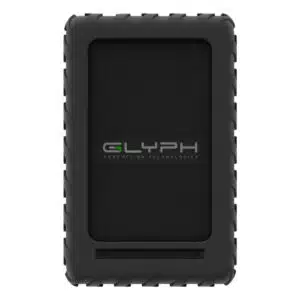
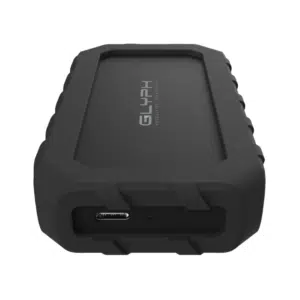
Glyph
Glyph Blackbox Plus Rugged Portable HDD
Shop Now This product has multiple variants. The options may be chosen on the product page -
Glyph
Glyph Atom EX20 NVMe SSD
Shop Now This product has multiple variants. The options may be chosen on the product page -
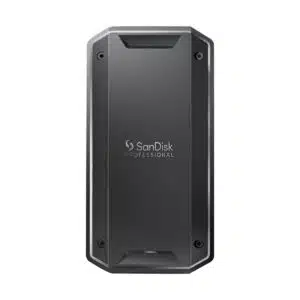
SanDisk Professional
SanDisk Professional PRO-G40 SSD
Shop Now This product has multiple variants. The options may be chosen on the product page -
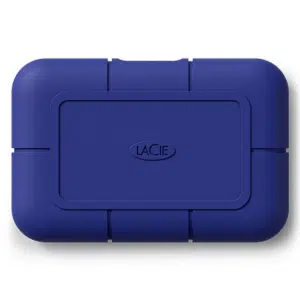
LaCie
LaCie Rugged USB-C Portable Hard Drive
Shop Now This product has multiple variants. The options may be chosen on the product page
Reviews
There are no reviews yet.