Is RAID a Backup? The Short Answer
No — RAID is not a backup.
RAID protects against hardware failure, not data loss.
That might sound like a small distinction, but it’s the difference between staying operational and losing everything.
What RAID actually does
RAID (Redundant Array of Independent Disks) spreads data across multiple drives.
Depending on the RAID level:
RAID 1
Mirrors data across drives
RAID 5
Uses parity to rebuild data
RAID 10
Combines speed and redundancy
Why RAID is NOT a backup
A proper backup protects you from losing data entirely.
What happens when RAID fails
RAID failures aren’t always clean.
So what IS a proper backup?
A real backup strategy follows one simple rule:
Primary storage
Your RAID or working drive
Local backup
Another drive or system
Offsite backup
Cloud or remote system
This is often called the 3-2-1 backup rule:
Where RAID actually fits
RAID is still useful — just not for backup.
Bringing it together
For many businesses and creative workflows, the safest setup combines:
At ccktech, we help design storage and backup solutions that go beyond RAID — including hybrid setups with local and cloud-based protection, tailored to real-world workflows.
For real data protection
Local backups give you a fast way to recover files if something goes wrong — whether that’s accidental deletion, corruption, or a failed RAID rebuild.
This is typically done using:
Whether you need speed, backup, or both — we can help you choose the right setup.
Cloud and offsite backups for full protection
Local backups are essential, but they won’t protect you from theft, fire, hardware failure, or site-wide issues. That’s where offsite and cloud-based backups come in.
For businesses and professional workflows, this often means combining local storage with secure, remote backup solutions to ensure your data is protected no matter what happens.
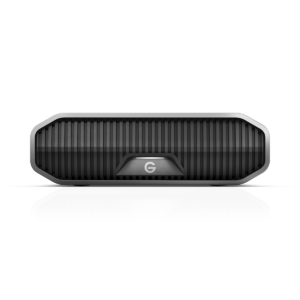
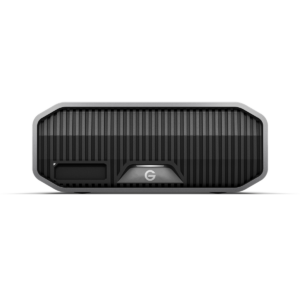
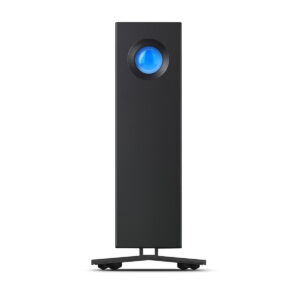
Here are some high-capacity drives ideal for backing up RAID systems and large storage setups:
Not sure which setup is right?
Get advice from real storage specialists — no jargon, just the right setup.
Friendly advice from the ccktech team
Speak to real storage specialists who understand performance, backups, and workflows — we’ll help you choose the right setup without the jargon.
No pressure • Fast response • UK-based support