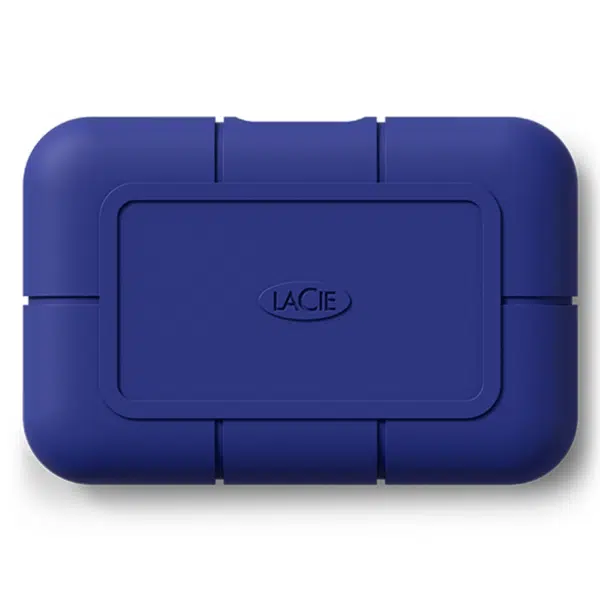
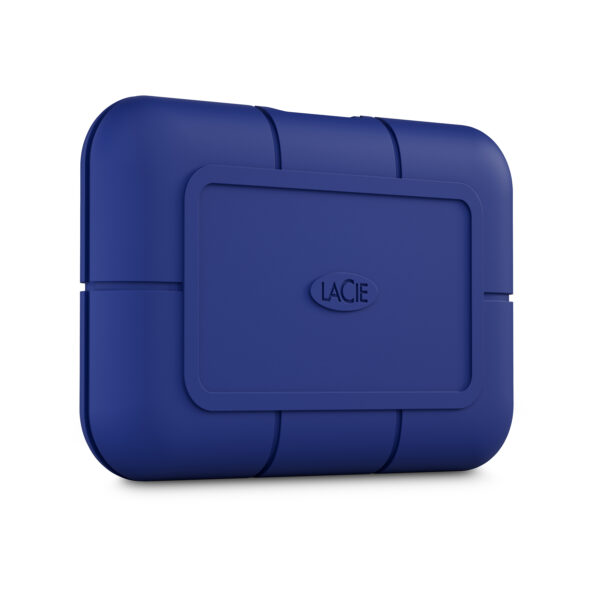
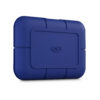
Meet the Rugged® SSD Pro5—the ultimate storage solution for creative professionals. With lightning-fast Thunderbolt 5 read/write speeds of up to 6700/5300MB/s, this IP68-rated SSD is ideal for real-time 6/8K video editing. Whether you’re shooting in rugged mountain terrain, sandy deserts, or bustling urban environments, its durable design ensures you can tackle any creative challenge without missing a beat.
Ultra-fast read/write speeds Experience ultra-fast read/write speeds up to 6700/5300MB/s with 50GB cache, streamlining your workflow and maximizing productivity for all creative projects. After cache, performance up to 5000MB/s read 1800MB/s write.
Effortlessly edit real-time 8K/6K videos Effortlessly edit real-time 8K/6K videos on your Thunderbolt 5 MacBook Pro or Mac Mini allowing you to focus on creativity without performance concerns.
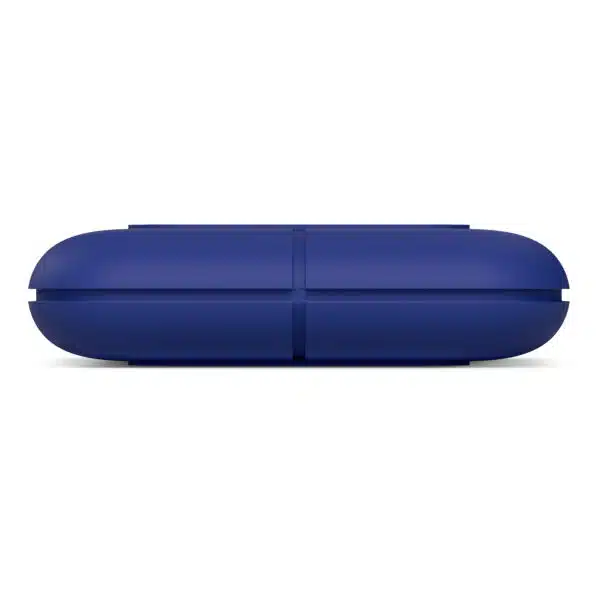
IP68 Rating With an IP68 rating and resistance to water, dust, drops up to 3m, and pressure
Crafted for creators Crafted for creators and the planet, the Rugged SSD Pro5 is built with at least 45% recycled materials, reducing environmental impact without compromising performance.
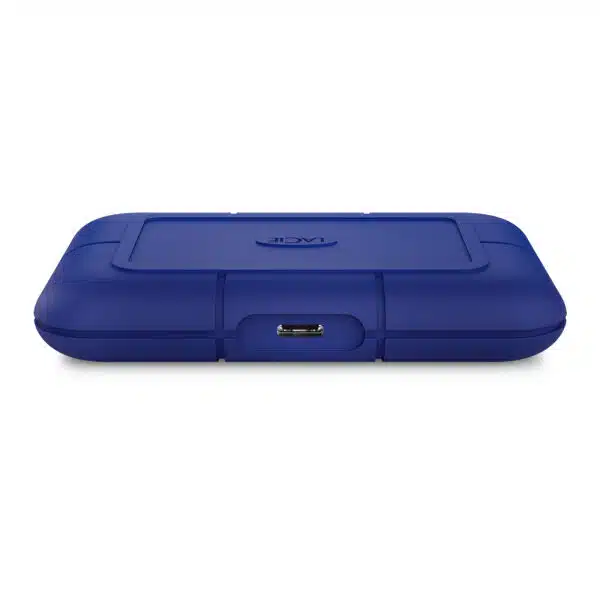
Connectivity Connect easily with Thunderbolt 5/4 and choose from 2TB or 4TB capacities to fit your specific storage needs.
5-year limited warranty Enjoy peace of mind with a 5-year limited warranty, Rescue Data Recovery Services, and included Toolkit backup software
Adobe ® Creative Cloud Jumpstart your creativity with access to Adobe ® Creative Cloud’s industry-leading software, empowering you to explore new techniques and enhance your projects from day one.
Key Features
Interface: Thunderbolt™ 5 (up to 80 Gb/s)
Works With USB-C host: USB 40 Gbps, USB 20 Gbps, USB 10 Gbps, Thunderbolt™ 5, Thunderbolt™ 4
Works with iPad Pro® with USB-C
Operating Systems: Latest versions of Windows®, macOS®, and iPadOS®
Minimum free disk space: 600 MB recommended
What’s In The Box
LaCie® Rugged® SSD Pro5
Thunderbolt 5 (80Gb/s) cable
Quick Install Guide
Rescue Data Recovery Services
Adobe® Creative Cloud® All Apps Plan Region Ordering
Frequently Asked Questions
What is LaCie Rugged SSD Pro5 designed for?
LaCie Rugged SSD Pro5 is a high-performance portable SSD designed for professional workflows requiring ultra-fast transfer speeds and reliability.
It supports advanced USB-C and Thunderbolt connections, making it ideal for demanding tasks such as video editing, large file transfers, and high-resolution media workflows.
How do I connect LaCie Rugged SSD Pro5 to my computer?
LaCie Rugged SSD Pro5 connects using the included Thunderbolt cable via a USB-C port.
- Plug the cable into the drive
- Connect it to a USB-C port on your computer
Important: Performance depends on the type of port used—Thunderbolt 5 offers the highest speeds, while lower-spec ports will reduce performance.
What transfer speeds can I expect from LaCie Rugged SSD Pro5?
LaCie Rugged SSD Pro5 supports significantly higher speeds than standard portable drives, depending on the connection type:
- Thunderbolt 5: up to 6,700 MB/s read / 5,300 MB/s write (rated)*
- Thunderbolt 4 / USB4 40Gbps / USB 3.2 Gen 2x2 / USB3.2 Gen2: also supported — speeds vary by host device; LaCie does not publish rated figures for these connections.
*Within the 50GB cache. Sustained write performance after cache is up to 1,800 MB/s.
Important: Actual real-world performance may be lower due to your computer's specific port implementation and operating system.
Can I use LaCie Rugged SSD Pro5 with older USB ports or USB-A?
No. The LaCie Rugged SSD Pro5 requires a USB-C or Thunderbolt port and is not compatible with USB Type-A ports or older USB standards.
Important: Use the included Thunderbolt 5 cable for proper operation. If connecting to a USB-C port, ensure it provides at least 15W of power. For optimal speeds and performance, connect to a Thunderbolt 5 or Thunderbolt 4 port on your computer.
Can I use LaCie Rugged SSD Pro5 with a USB hub?
Using a USB hub with the LaCie Rugged SSD Pro5 is not recommended. For optimal performance and reliability, connect the drive directly to your computer's native Thunderbolt or USB-C port.
If you must use a hub:
- Ensure the hub is powered and provides at least 15W of power delivery
- Use a high-quality Thunderbolt 4/5 certified hub or USB 40Gbps hub (Contact us for more information on the correct hub)
- Avoid consumer-grade USB 3.0 hubs, which will severely limit performance and reliability
- If you experience detection issues, disconnections, or reduced speeds, connect the drive directly to your computer
A direct connection guarantees the fastest speeds and most reliable operation for demanding workflows like 4K/6K/8K video editing.
How do I safely disconnect LaCie Rugged SSD Pro5?
LaCie Rugged SSD Pro5 must always be ejected before disconnecting to prevent data corruption.
On macOS, you can safely eject the drive using Finder by clicking the eject icon next to the drive under Locations/Favourites, or by right-clicking the drive and selecting “Eject”. Once the drive disappears from Finder or the desktop, it is safe to disconnect.
On Windows, use the “Safely Remove Hardware and Eject Media” icon in the system tray to ensure all data has been fully written before removing the drive.
Warning: Disconnecting without ejecting can result in corrupted or damaged files.














Reviews
There are no reviews yet.